
Dashboard & Global Search
Overview of current holdings, due work, and instant search across every record with
Ctrl+K / ⌘K.
Inside the Golden Sample Dataset (Baseline 20261110_0047)
A realistic multi-generation collection ready to browse
Instead of three empty placeholder rows, the public demo runs on Florabase’s verified Golden dataset — populated with synthetic provenance, multi-generation seed & cutting lineage, phenology logs, mixed-unit measurements, and reviewed geographic data.
Interactive Walkthrough
Opening demo.florabase.eu/?tour=1#/dashboard launches an interactive tour over
the live screens:
Overview of current holdings, due work, and instant search across every record with
Ctrl+K / ⌘K.
Species profiles with accepted-name corrections, retained synonym history (including an attributed Aloe correction), native ranges, and GBIF links.
Partial collection dates, storage counts, producer lineage, and dated germination logs on active propagation trays.
Individual specimens, quantity-aware plant groups, completed and failed cutting rooting attempts, mixed-unit height measurements, and phenology notes.
Trace a cutting back through multi-generation SeedLot → Sowing → Plant edges
and browse the local World Flora Online family/genus tree.
Compare local collection provenance sites against reviewed WCVP native range polygons and species distribution overlays.
Inspect the month calendar, printable QR label previews, and switch between Botanical, Herbarium, and Mineral light/dark themes from the sidebar footer.
The demo runs with FLORABASE_DEMO_READONLY=true. The ASGI middleware, auth
guards, and reverse proxy all reject non-read HTTP methods with 403, and no
visitor sessions or edits are written to PostgreSQL.
Preview & Media
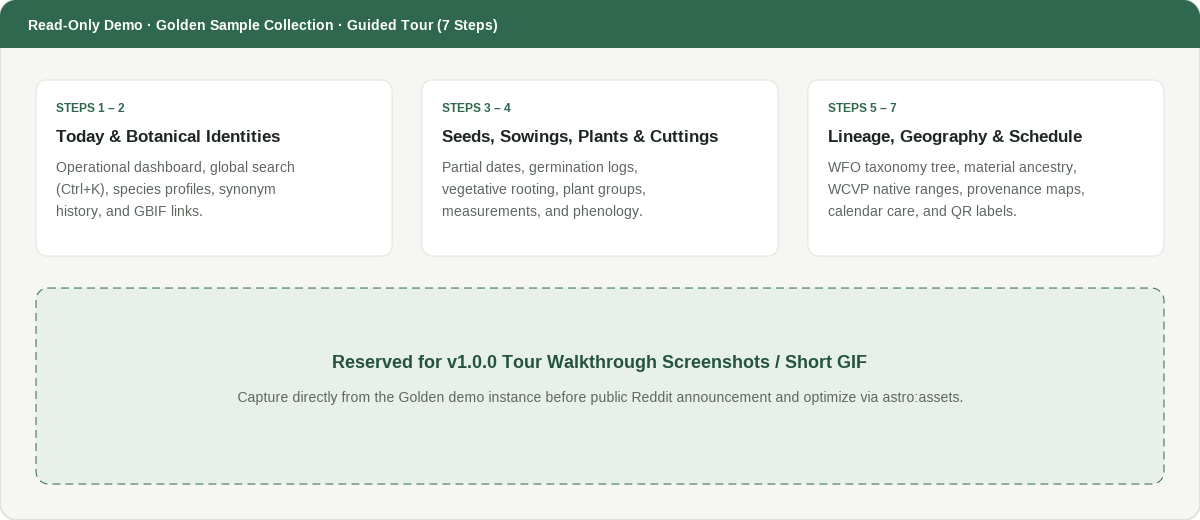
If the live demo is ever under maintenance or you prefer a quick preview before clicking through, curated v1.0.0 screenshots and a short tour GIF will appear here prior to public launch.
Open Live Interactive Demo ↗