Skip to content
Menu

Separate reference botany from your living collection.

Open-source, single-owner, self-hosted collection management for seeds, sowings, cuttings, plants, harvests, taxonomy, and provenance — running from one non-root Docker Compose file.
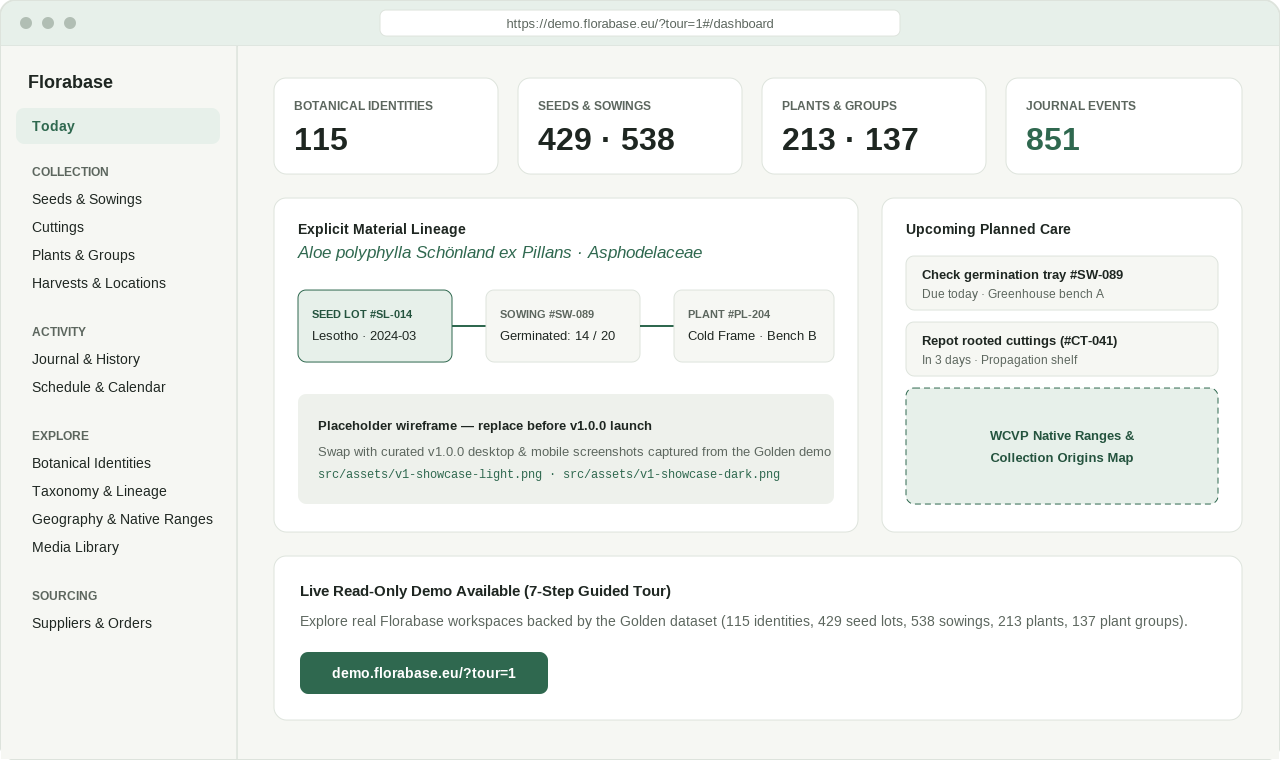
Florabase workspace overview showing Today dashboard, explicit material lineage, planned schedule, and geography maps
Workspace preview placeholder (replace with final v1.0.0 desktop & mobile captures before public release). Open real screens in the Live Demo (opens in new tab)

Goals & Philosophy

Built for serious plant collections, not generic todo lists

Florabase models how botanical collections actually work: incomplete dates, evolving taxonomy, multi-generation propagation, and strict separation between reference botany and physical material.

Data Model

Botanical reference stays separate from physical holdings

Species profiles, accepted-name history, synonyms, and native ranges live independently from the physical seed lots, cuttings, sowings, and plants in your collection. Correcting a taxonomy name never rewrites collection history.

Provenance

Explicit lineage — nothing inferred into fact

Trace specimens through concrete SeedLot → Sowing → Plant / Cutting → Harvest → SeedLot edges. Collection origins, reviewed WCVP native ranges, and on-demand GBIF occurrence maps remain cleanly separated.

Ownership

Privacy-first, single-owner, self-hosted

Designed for one local owner running on their own hardware (mini-PC, homelab, Synology NAS). Local PostgreSQL storage, server-side sessions, zero telemetry, and no cloud account required.

Open Source

No lock-in — AGPL-3.0-or-later

All data stays in standard PostgreSQL 18 and local media folders you control, backed by guided CSV import/export and documented paired database + media backups.

Core Capabilities

End-to-end workflows from seed packet to established specimen

Every workspace shares one relational PostgreSQL source of truth and strict provenance rules. Explore all workspaces →

Propagation

Seeds, Sowings & Cuttings

Track seed lots with partial collection dates, suppliers, storage quantities, and producer lineage. Log dated germination observations and vegetative cutting rooting attempts — including failed and still-unknown lots.

Living Holdings

Plants, Plant Groups & Harvests

Manage individual specimens and quantity-aware plant groups with extraction, transfers, hierarchical locations, structured harvests, stored material inventory, and explicit conversion back to new seed lots.

Taxonomy

Botanical Identities & WFO Tree

Author incomplete-friendly species profiles with accepted-name reconciliation, retained synonym history, optional covers, and browse your collection inside a local reviewed World Flora Online (WFO) taxonomy tree.

Geography

Provenance, WCVP Ranges & GBIF

Map local provenance sites and collection origins separately from reviewed Kew WCVP native ranges and on-demand GBIF species occurrence density maps.

Daily Care

Journal, Phenology & Schedule

Record plant and group journal events (including bulk watering/feeding, phenology observations, and height measurements), review cross-domain operational history, and plan upcoming work in list and month calendar views.

Tooling

QR Labels, Media, CSV & PWA

Print pot labels with authenticated QR lookup, reuse photos across records via the shared Media Library, import/export guided CSV tables, switch Botanical/Herbarium/Mineral light & dark themes, and install as a PWA.

Self-Host in 3 Steps

One non-root Compose file on linux/amd64

Published OCI images for PostgreSQL 18, FastAPI, and the React frontend — with automatic first-run initialization and verified pre-upgrade dumps before schema migrations. Not self-hosting yet? Try the live read-only demo in 1 click.

Prepare host folders once

Create separate data and backup directories with explicit non-root owners (70:70 for PostgreSQL, 10001:10001 for backend media, state, and pre-upgrade dumps).

DATA=/srv/florabase/data; BACKUP=/srv/florabase/backup
mkdir -p "$DATA"/{postgres,media,state} "$BACKUP/pre-upgrade"
chmod a+rx "$DATA" && chmod a+x "$BACKUP"
chown 70:70 "$DATA/postgres" && chmod 0700 "$DATA/postgres"
chown 10001:10001 "$DATA/media" "$DATA/state" "$BACKUP/pre-upgrade"
chmod 0700 "$DATA/media" "$BACKUP/pre-upgrade" && chmod 0755 "$DATA/state"

Configure release compose.yaml

Download compose.yaml from the latest release tag, set your paths, generate FLORABASE_DB_PASSWORD, set FLORABASE_CANONICAL_ORIGIN, and start the stack.

docker compose --project-name florabase up -d --wait

Terminate HTTPS

Bind stays loopback-only (127.0.0.1:8080). Place it behind your reverse proxy (Nginx/Caddy with 32 MiB upload limit) or expose privately over Tailscale Serve.

tailscale serve --bg --https=443 http://127.0.0.1:8080
curl --fail https://your-host.example/api/v1/ready

See what is included in Florabase v1.0.0, what is deliberately excluded from the 1.0 release contract, and the themes planned after 1.0 (without invented release dates).